Lobby kiosk
Walk-ins get on the list without anyone at a desk
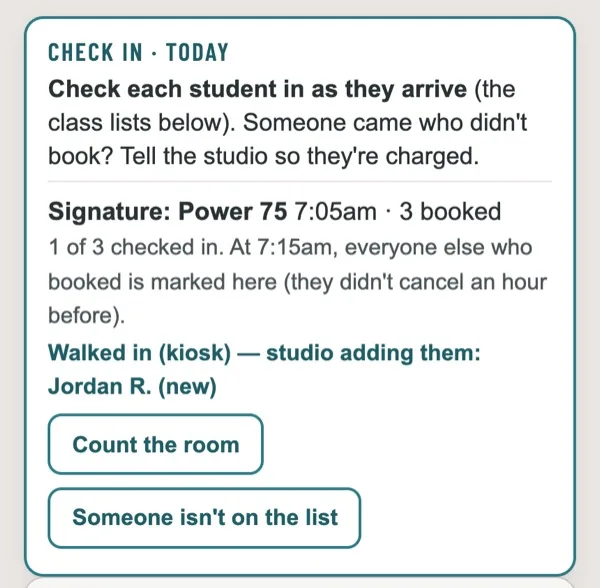
A screen in your lobby. Members tap Check in. New people tap Sign up, pay on their own phone, and show up on the teacher's class list before class starts.
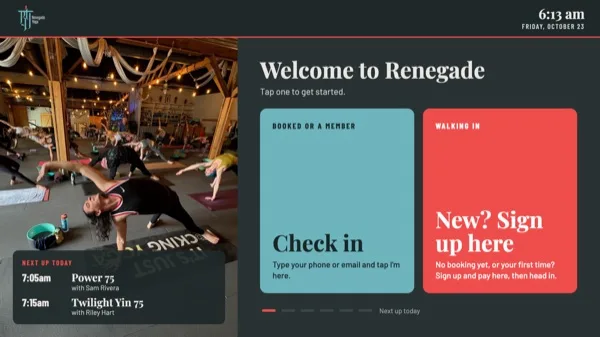
A walk-in, in three steps
Most studios lose walk-in money when nobody's at the front. The teacher is setting up, the new person waits, and the class starts before anyone rings them up.
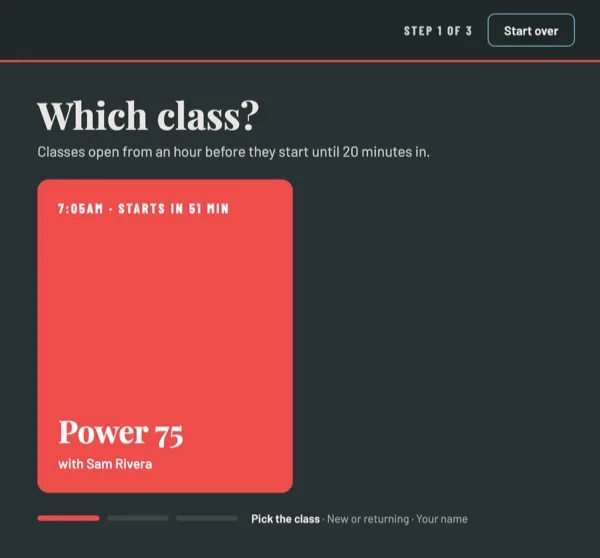
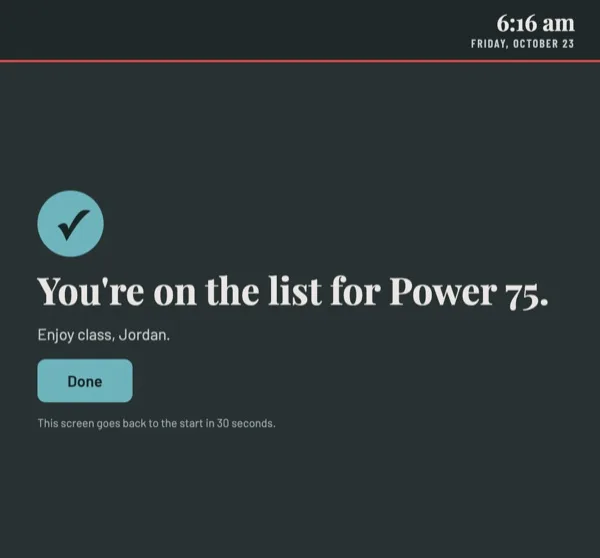
For members, check-in
- Type a phone number or email. No name list on the screen for anyone to read.
- Booked? Tap I'm here. Have a membership but didn't book? Tap Book and check me in.
- Check-ins go into WellnessLiving, so attendance and pay stay right.
When nobody's using it
- The next classes today, this week's schedule, events and prices, each with a QR code to book.
- Your photos and your Studio Style, not a gray system screen.
- It goes back to the start on its own after 90 seconds, so nobody's details are left up.
What you need
Any touchscreen computer or an iPad. Renegade uses a touchscreen PC in the lobby, and an iPad works too. We send the kiosk link and help you lock the screen to it.
What it won't do
- Take cash, Venmo or card at the screen. Payment happens in WellnessLiving on the student's phone.
- Show anyone else's name, email or booking.
The kiosk is part of the Front desk, $68 a month, or all three parts for $188. See pricing.
Founding studios
Half price for the first year
We're taking a small group of WellnessLiving studios first. You get Studio Bolster at half price for twelve months. In return you tell us what works and what doesn't, and give us a quote we can use once you're happy.
- Setup done with you, on a call, using your real schedule
- Your teachers signed in within the first week
- A direct line to the person who built it
On Mindbody or something else? Sign up anyway. It tells us where to go next.